Customer Accounts
In the Customer Dashboard area of the App Manager you can see all of the app users that have downloaded your app AND created an account. We refer to these app users as Customers.
Where Do You Find Your List Of Customers?
From the main Quick Start screen click on Customer Dashboard
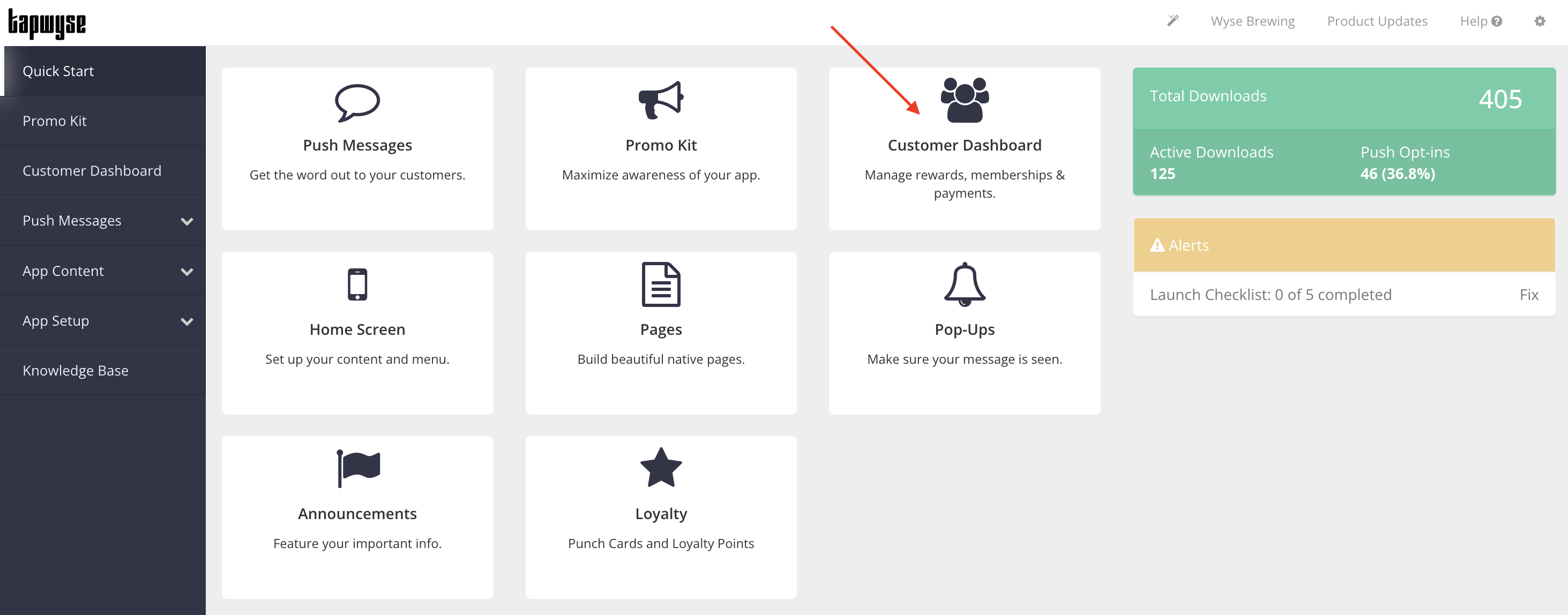

When you click Customer Dashboard it will open a new tab in your browser. You will now be able to toggle between your main Quick Start tab and your Customer Dashboard tab in your browser.
In the Customer Dashboard tab, click on Customers (left-hand navigation bar)
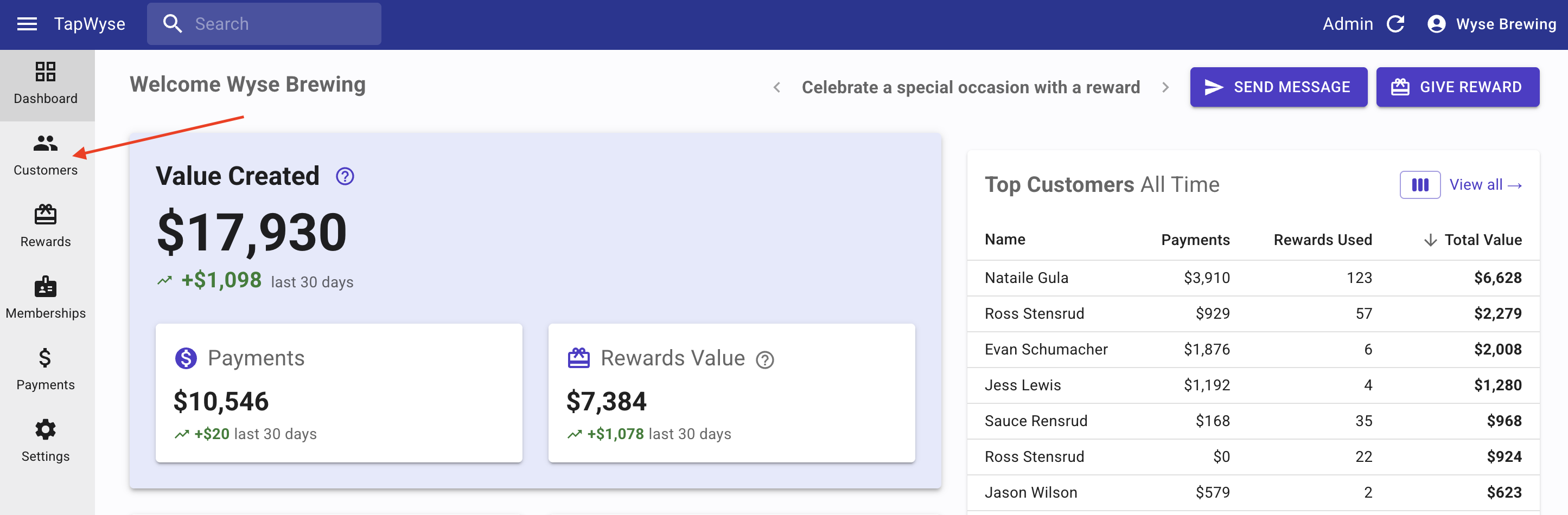
Once you open your Customers page in your Customer Dashboard you can do a number of things including but not limited to:
- See the list of every app Customer (app users that have downloaded the app & created an account)
- Send a Push Message
- Send a Reward
- Look at information pertaining to your Customers (ex. date & time they created their account, birthday month, their last activity, number of app sessions, whether or not they have push messages enabled, etc.)
Customers Layout
You have the ability to choose what information is visible on your Customers list.
You can use the Columns icon to turn information columns on and off depending on what you want to see and you can use your Filter icon to filter your Customers list.
- Columns
- To turn Columns on and off you will click the Columns icon. Next, choose the column(s) you want too see by turning that toggle to the on position (toggle to the right). If there is column you don't want to see, turn that toggle off (toggle to the left).
- Filter
- To Filter your Customers list click the Filter icon, then you can choose how you want to Filter your list
- The Field dropdown is where you choose the Filter (ex. Birthday Month) - this specific Filter would be used if you wanted to Filter your Customers list for a birthday month and only see the Customers who's birthday it is for the month you are Filtering for (ex. January).
- Once you have set your Filter parameters, click Apply.
- You will then have a Filtered list on your screen and you can choose to Send a Push Message to these Customers or Give A Reward to these Customers if you'd like.