Push Message Analytics
Accessing Push Message Analytics
Push Message Analytics can be viewed under the Push Messages dropdown located on the left hand navigation bar of the App Manager Quick Start screen.
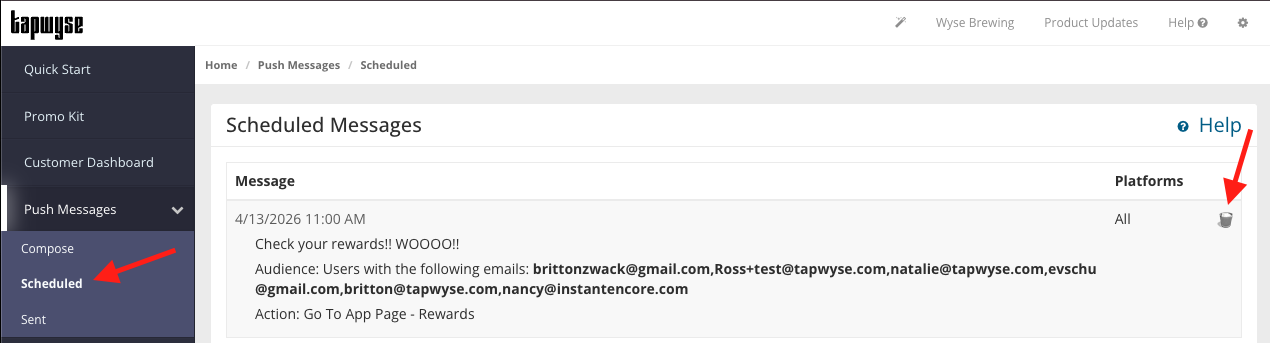
Scheduled: Push Messages that you have scheduled to send. You can delete a scheduled push message in here.
Sent: Push Messages that you have already sent to your app users.
Direct Responses: The number of users that tapped on the push message as their device received it.Influenced Responses: The number of users that didn't immediately tap on the push message, but were influenced to open the app within a couple of hours.